
Offline AI chat
Download an AI model while connected, then ask questions without an internet connection. Answers depend on the selected model and can be incomplete or incorrect.
AI chat, a survival library, downloadable maps, and useful tools—together in one app for uncertain moments.
A preparedness resource, not a replacement for professional care or emergency services. AI responses can be incorrect.
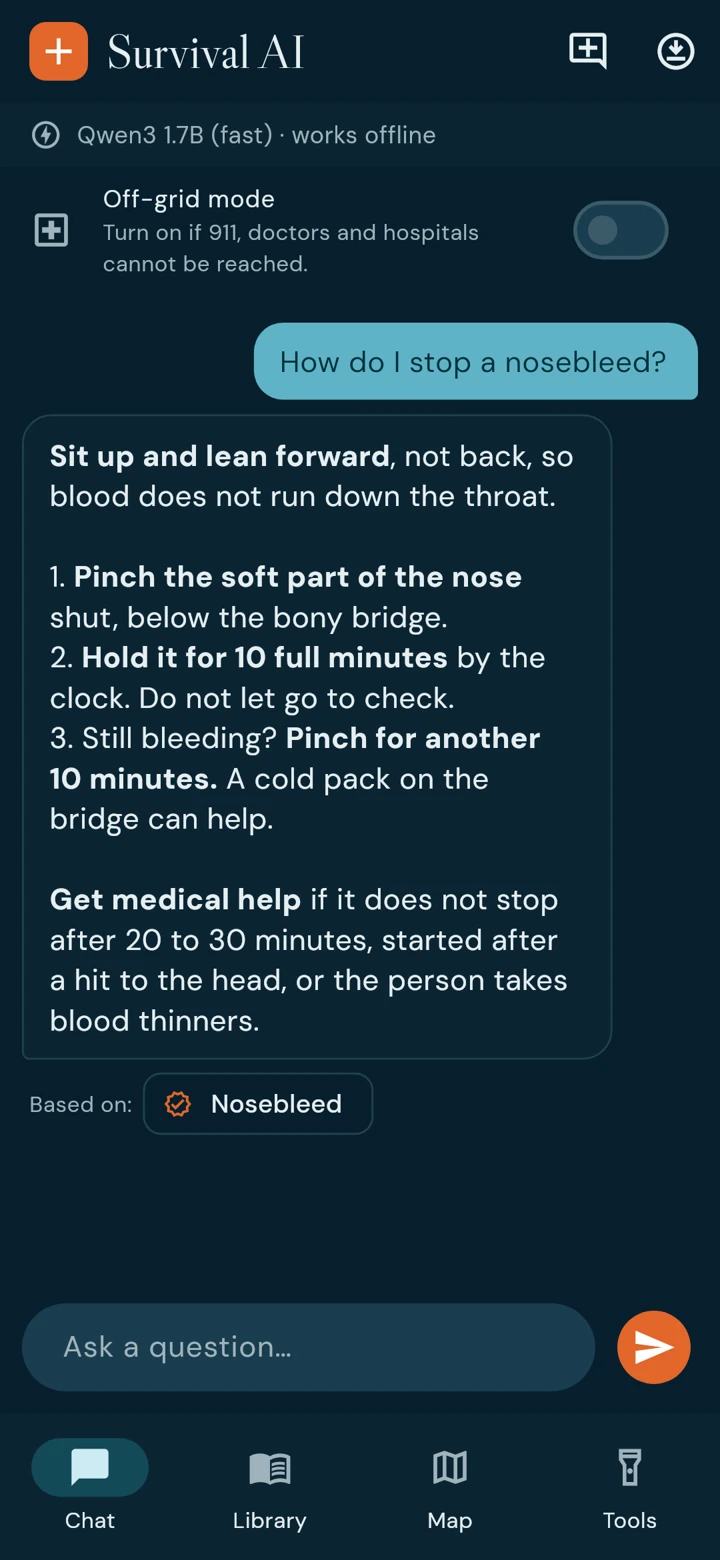
Your questions, reference library, maps, and tools have their own place. These screenshots show the app's current development build.
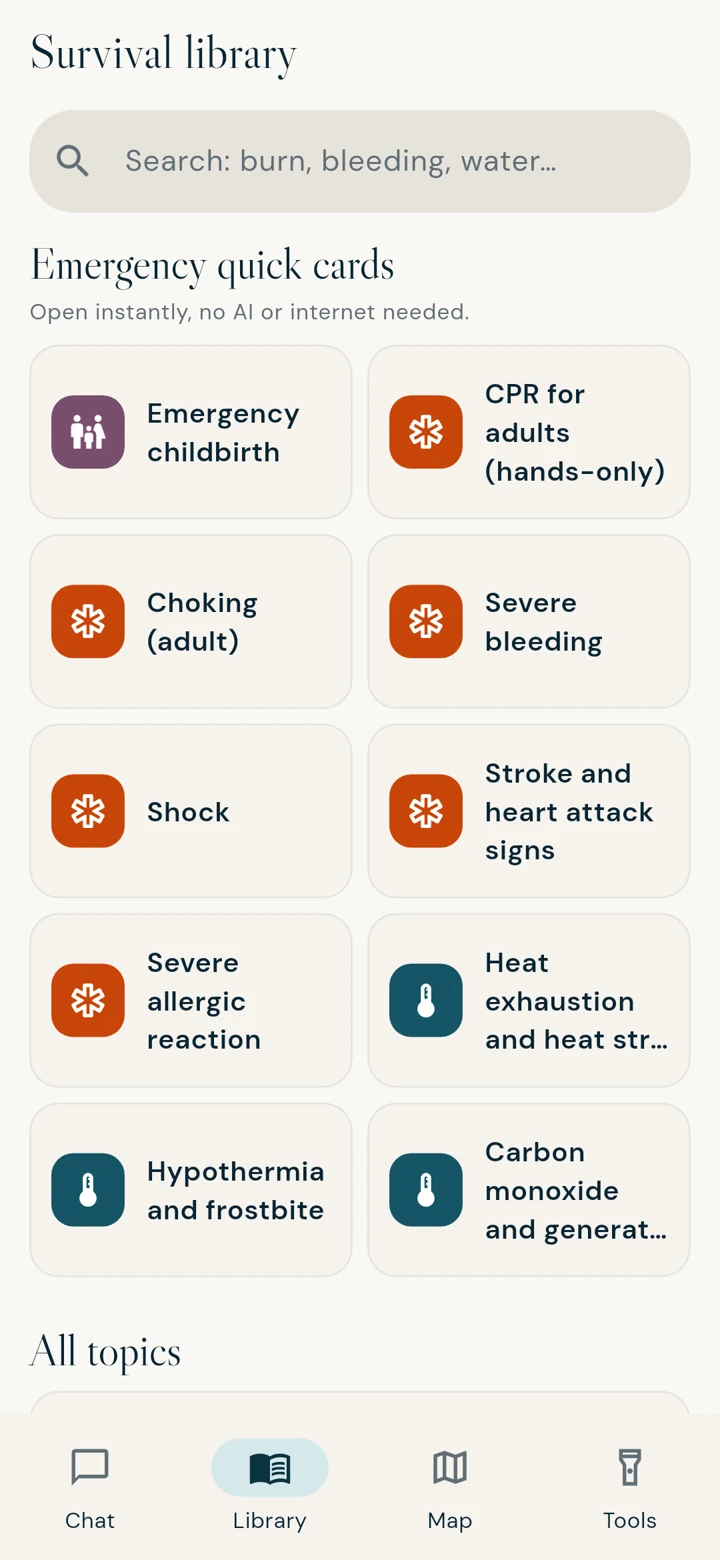
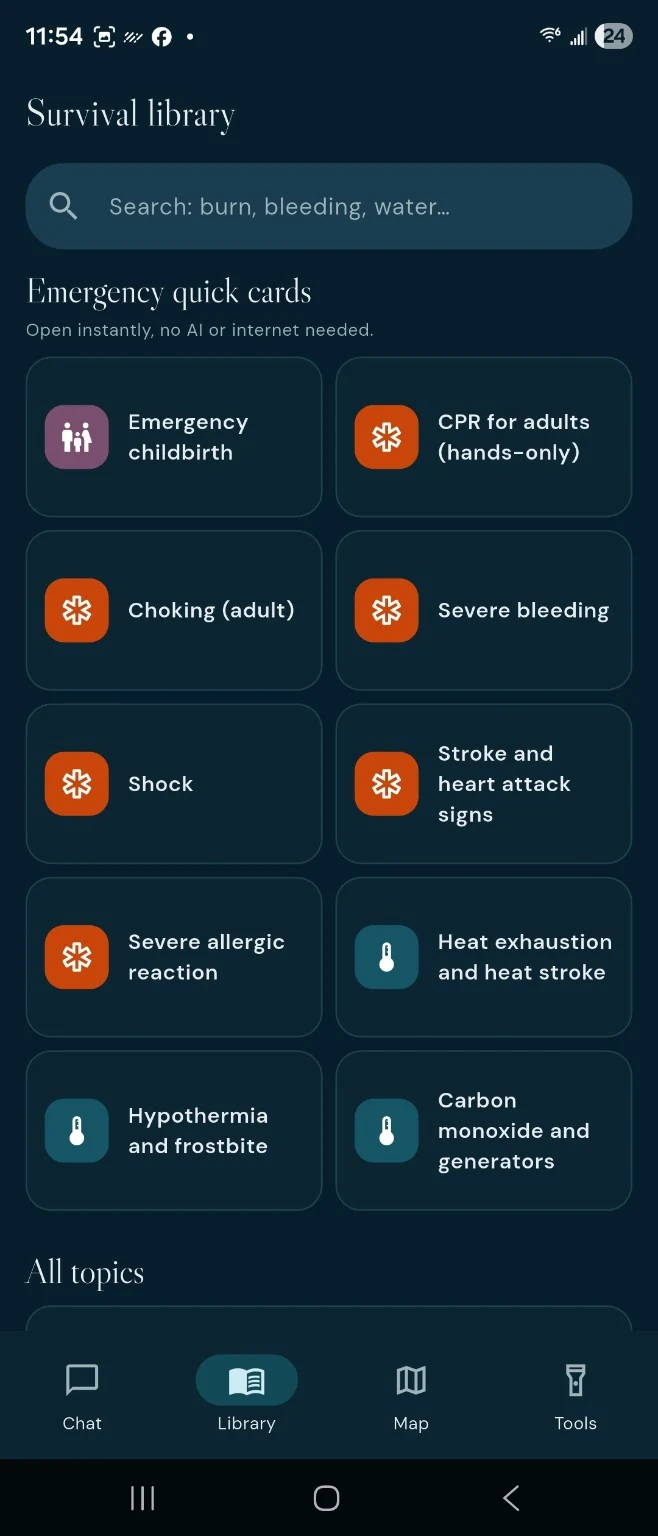
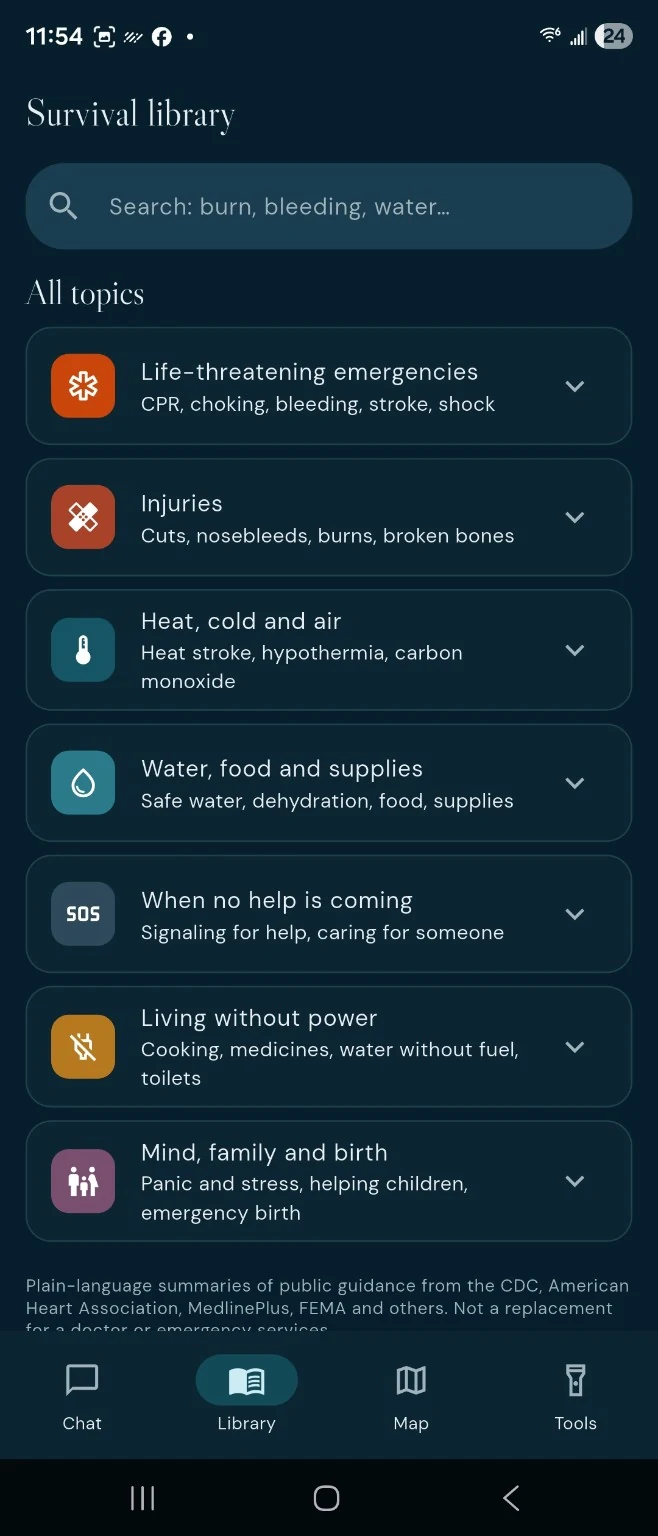
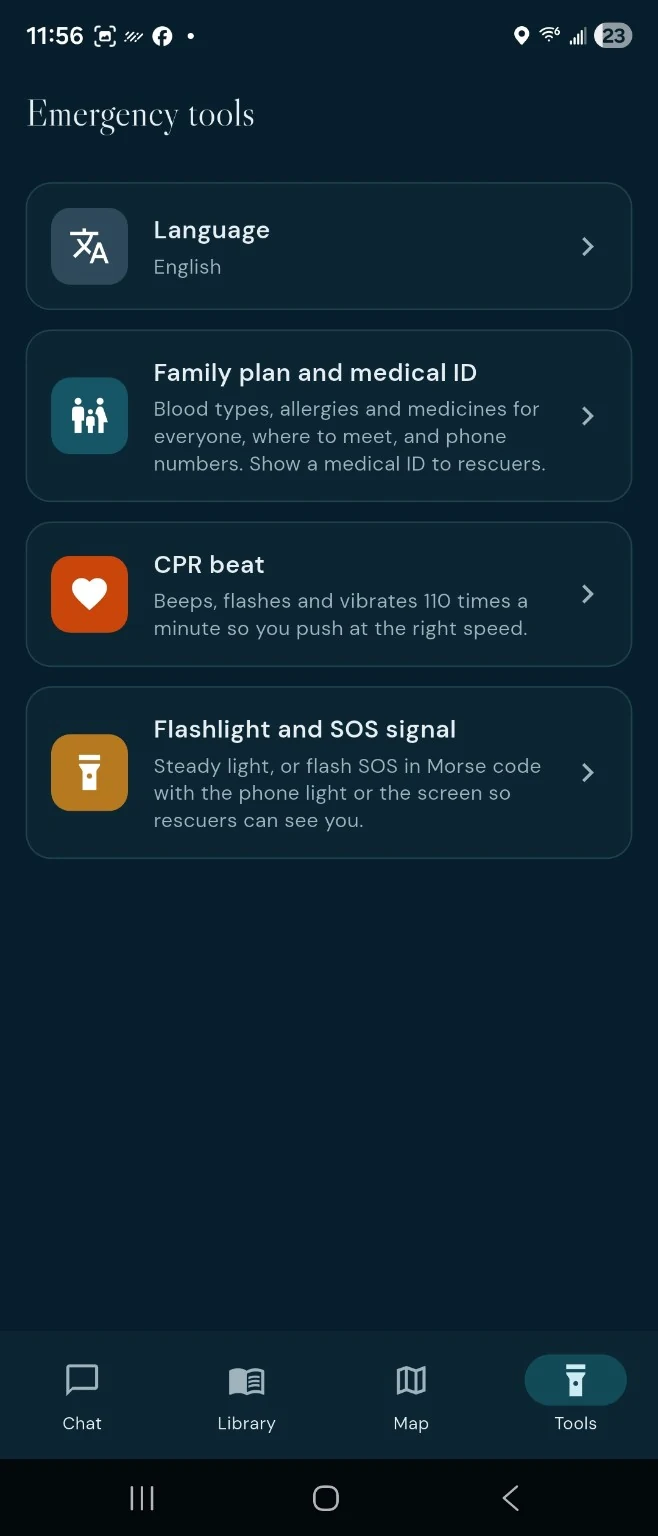
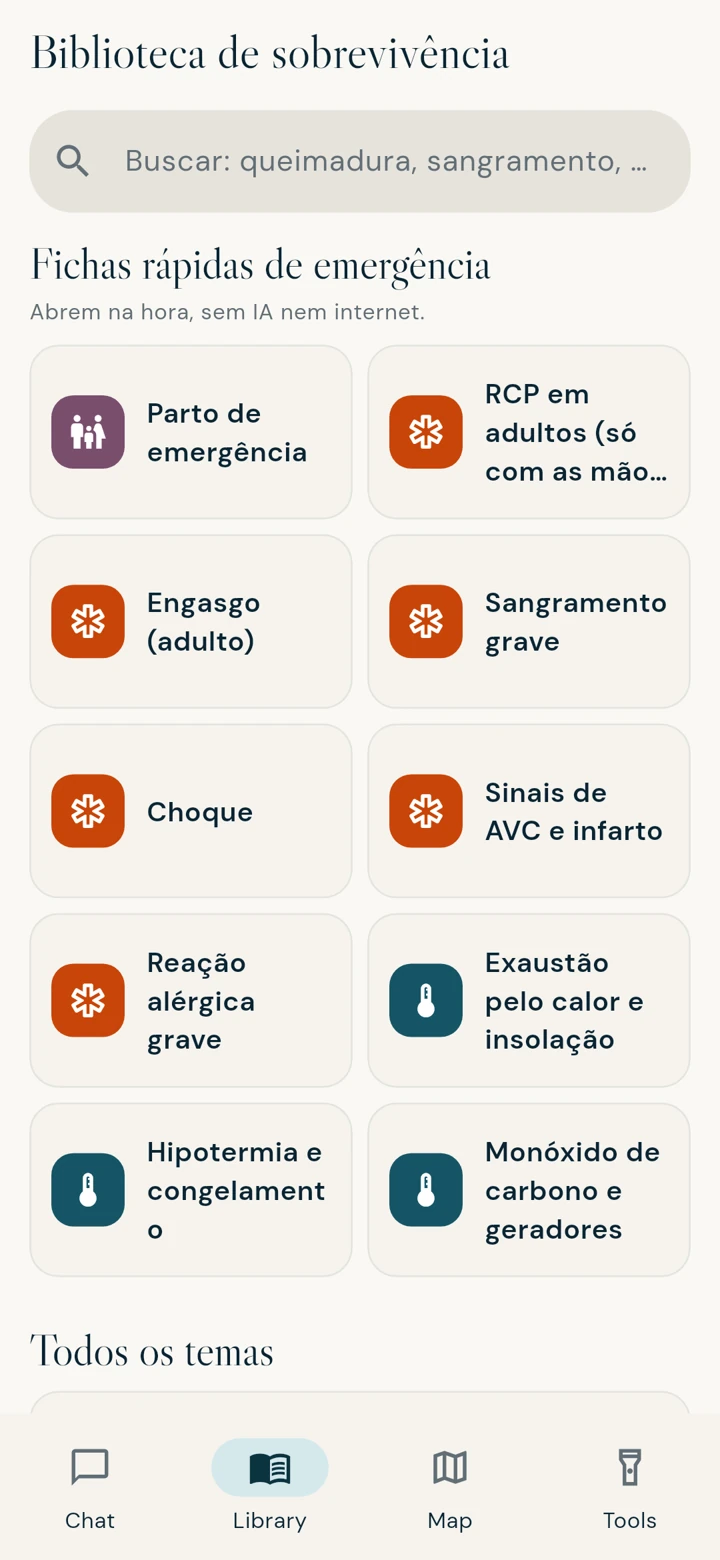
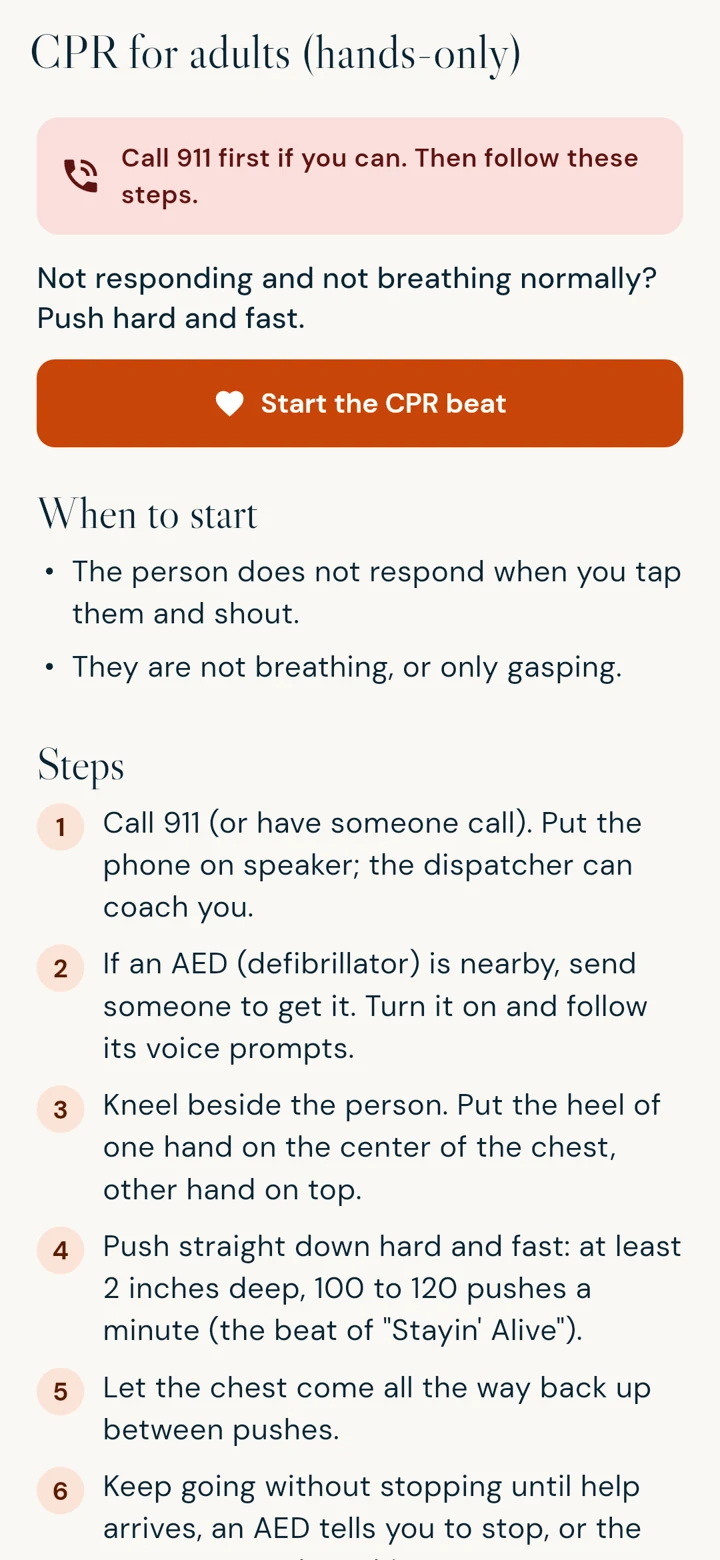
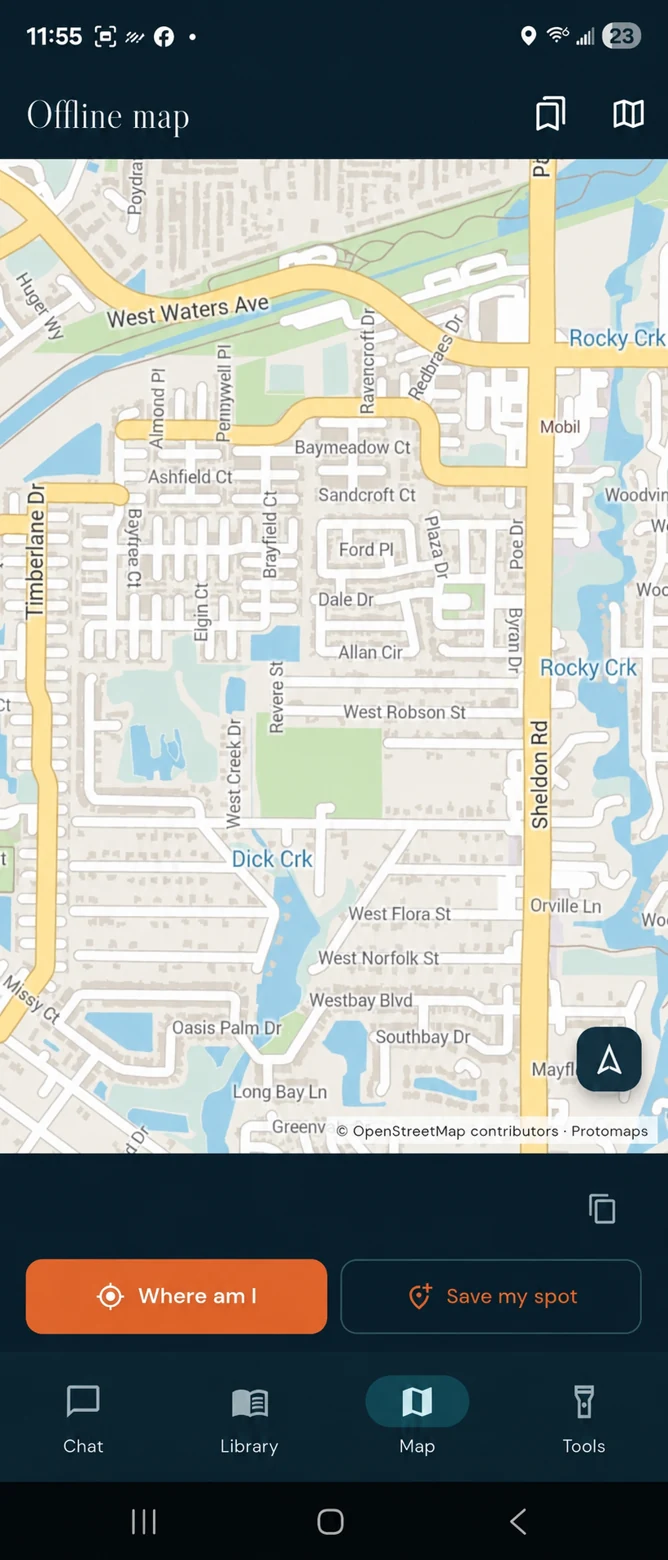
Download an AI model while connected, then ask questions without an internet connection. Answers depend on the selected model and can be incomplete or incorrect.
Search preparedness topics or open emergency quick cards without waiting for an AI response. The library provides reference information, not a diagnosis.
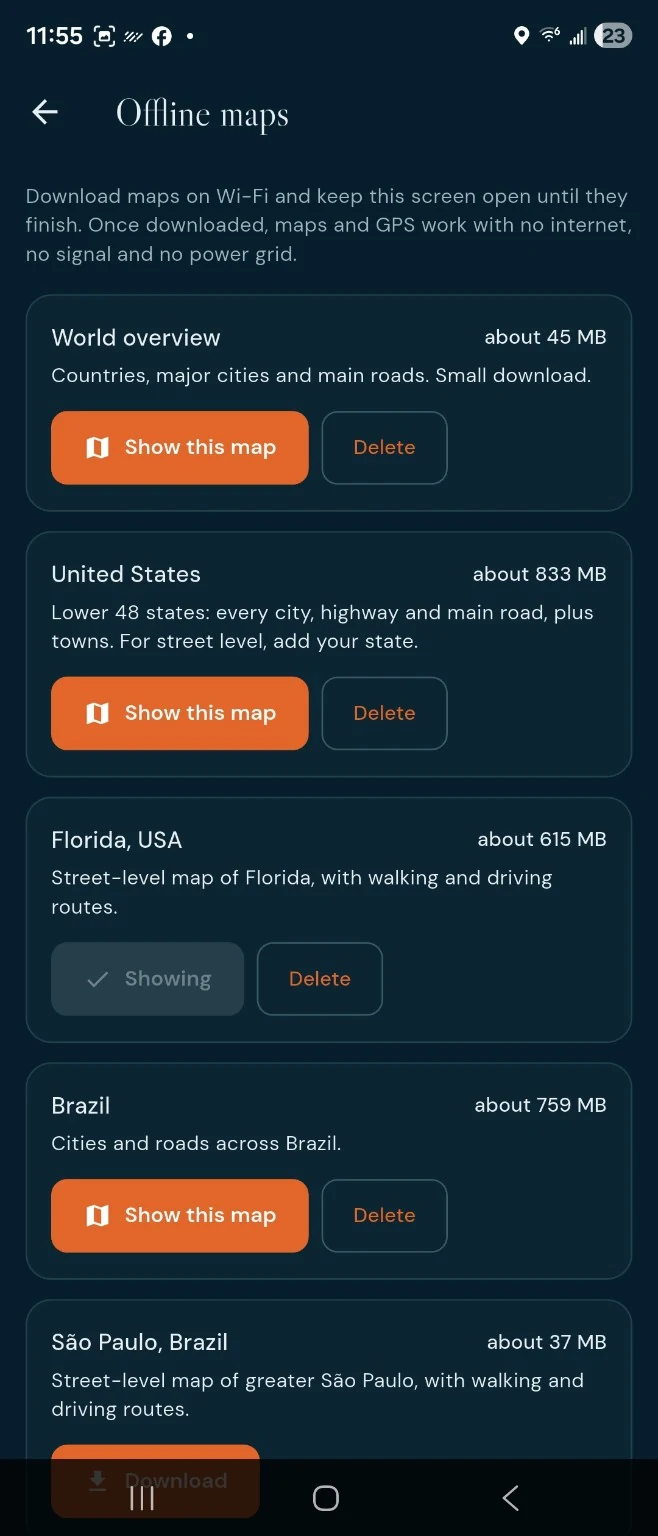
Prepare map downloads ahead of time. The app includes location and saved-place tools; coverage and routing depend on the downloaded map and available GPS reception.
A dedicated mode for situations where professional help cannot be reached. It does not contact rescuers or restore a phone connection.
Organize a family plan and medical ID, and access tools such as a CPR beat, flashlight, and SOS signal. Device support and permissions can affect availability.
Light and dark appearances, readable reference cards, and English, Spanish, and Portuguese interfaces. Fonts are included in the app for offline use.
The app is designed to use downloaded AI models, library content, and downloaded maps offline. Download the resources you need while connected, then check them in airplane mode before relying on them. Your phone still needs battery power; GPS reception and device capabilities affect some features.
Launch pricing and any paid content packs have not been announced. Pricing and beta participation terms will be published before enrollment or purchase.
The current development build is for Android. Minimum Android version, memory, storage, and supported-device details will be confirmed before enrollment opens. AI models and maps require additional download space.
It uses a downloaded language model to generate answers. It does not automatically know current conditions, receive live alerts, or guarantee correct advice. Use it alongside the reference library and other reliable resources.
No. Contact emergency services when available. The app is a preparedness and reference tool; it is not an emergency dispatch service or a substitute for professional medical care.
We're preparing Android beta testing. See what participation will involve and check enrollment status.
Privacy: Private by design: everything stays on your phone.
Public store downloads are not available here yet. Official store links will be added after release. Privacy information · Email app support